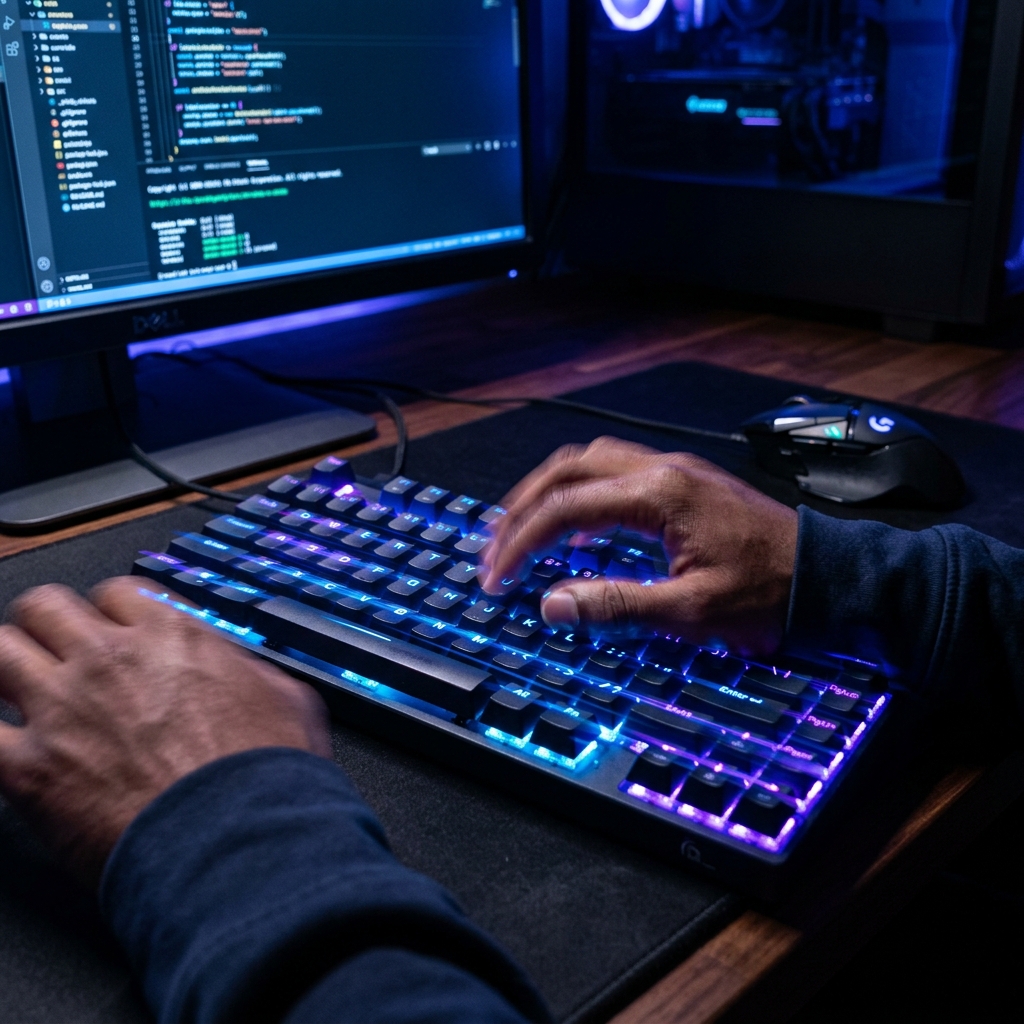
Doubling your typing speed isn't about moving your fingers faster; it's about eliminating wasted movement, optimizing your mental processing, and building an unbreakable rhythmic foundation. If you're stuck at a plateau of 40 or 50 WPM, you are likely suffering from one of three things: visual dependency, irregular cadence, or inefficient finger usage. In this ultra-deep dive, we'll break down the exact 10-step protocol to shatter your current ceiling and reach elite typing speeds in just 14 days.
The Psychology of Speed: Why You Are Stuck
Most typists hit a wall because they reach a level where their conscious brain can no longer keep up with the individual letters. To move beyond 60 WPM, you must transition from "letter-by-letter" processing to "word-level" processing. This is a fundamental shift in how your brain handles data, similar to the difference between reading a word and spelling it out.
1. Stop Looking at the Keyboard (The Iron Rule)
Every time you look down, you break your flow and lose focus. It takes your eyes about 200ms to refocus from the keyboard to the screen. If you do this 5 times a minute, you've lost a full second of typing time. Tape over your keys, use a blank keyboard, or simply drape a cloth over your hands if you have to. Force your brain to remember the layout. This is the hardest part of the journey, but also the most rewarding. Once you break the visual dependency, your brain starts to process words as single units rather than individual letters.
Focus on Rhythm, Not Speed
Speed is a byproduct of rhythm. Type at a steady, "metronome" pace where every keypress has the same timing. Once you have a perfect rhythm, simply increase the tempo. A jerky typing style, where you burst on easy words and stall on hard ones, is the enemy of high WPM. Aim for a consistent "thrum" across all words. Use a literal metronome set to 40 BPM and type one character per beat, then slowly increase it as you become comfortable.
Use All Ten Fingers (The Finger Economy)
Many "fast" typists only use 6 or 7 fingers, often relying heavily on their index and middle fingers while leaving their pinkies and ring fingers idle. By bringing your pinkies and ring fingers into the mix, you reduce the distance each finger has to travel by over 40%. This significantly increases your ceiling. Your pinkies are actually very strong once trained; use them for Shift, Enter, Backspace, and the outer columns of the keyboard. Think of your hands as a 10-man team—don't let 4 of them sit on the bench.
3. Master the "Home Row" Anchor and Blind Navigation
Your index fingers should always return to the 'F' and 'J' keys (the ones with the little bumps). These are your anchors. If you lose your place, these bumps help you find your way back without looking. Learn to move your fingers from these positions and return instantly. This "blind navigation" is what separates the pros from the amateurs. Practice moving your fingers to the top and bottom rows and snapping them back to the home row like a rubber band.
4. Slow Down to Speed Up (The Paradox of Mastery)
It sounds counterintuitive, but practicing at 80% of your max speed with 100% accuracy is more effective than practicing at 100% speed with 90% accuracy. Accuracy builds the neural pathways; speed is just the electrical signal moving through those paths. Fix your mistakes immediately—the cost of an error is not just the wrong letter, but the time taken to backspace and re-type. An error at 100 WPM effectively drops your "real" speed to about 70 WPM for that sentence.
The "Word Ahead" Strategy (Mental Buffering)
While you are typing one word, your eyes should already be reading the next. This creates a buffer in your brain, preventing those micro-pauses between words. Elite typists are often reading 2-3 words ahead of where their fingers currently are. This "prefetching" allows your motor cortex to prepare the finger movements for the next word while the current one is being executed.
The 14-Day Practice Schedule
To really see results, you need a plan. Follow this simple 15-minute daily routine:
- Minutes 1-3: Slow accuracy drill (100% accuracy focus).
- Minutes 4-8: Rhythm practice with a metronome.
- Minutes 9-12: High-speed "Burst" tests on easy words.
- Minutes 13-15: Mixed text test (symbols and numbers included).
Conclusion: The Journey to 100 WPM
Reaching 100 WPM is a significant milestone that puts you in the top tier of computer users. It takes time, patience, and a willingness to feel "slow" while you fix your technique. But once you break that barrier, you'll find that your keyboard is no longer a tool—it's a seamless extension of your thoughts. Start your 14-day challenge on Funnytyping today!