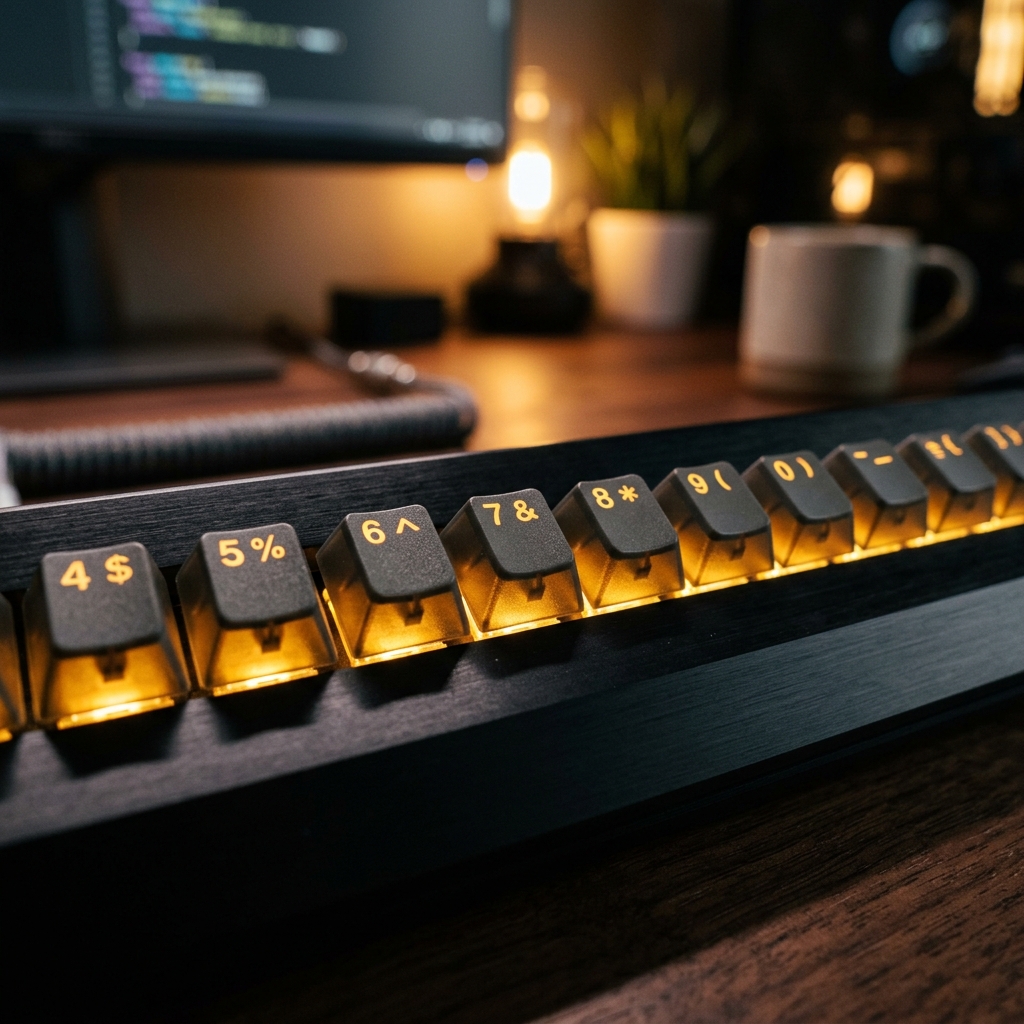
You can type 80 WPM on standard prose, but the moment you need to enter a phone number or a line of code, your speed drops to zero. You find yourself looking down at the keyboard, hunting for the '#' or the '7'. This is the "Number Row Barrier," and it's what separates the good typists from the true masters. In this guide, we'll break down the geometry of the top row and how to conquer it.
The Geography of the Top Row
The top row is the furthest distance your fingers have to travel from the home row. Because of this distance, it's the easiest place to lose your orientation. Most people never learn to touch-type numbers because they don't practice the "reach" required. Your fingers should move like precision instruments, extending and returning to home base instantly.
The "Diagonal Reach" Technique
Each finger is responsible for specific numbers. Your left pinky handles '1', your left ring finger handles '2', and so on. The key is the diagonal movement. You shouldn't move your whole hand; only the finger should extend. Practice the 'f-4-f' or 'j-7-j' patterns until the distance is burned into your muscle memory. If you move your palm, you've lost your anchor.
The Shift Key Mastery: Symbols are Just "Heavy" Numbers
Symbols like !, @, #, and $ require the same reach as numbers, plus the addition of the Shift key. This is where most errors happen. Practice using the opposite Shift key (e.g., use the right Shift key when typing '!' with your left pinky). this "Cross-Hand Coordination" is the secret to maintaining high speed during complex data entry or coding.
Coding and Data Entry: Why Symbols Matter
For developers, symbols are the lifeblood of their work. If you have to look down for a curly brace '{' or a pipe '|', you are breaking your logic flow. Treat symbols with the same respect as letters. Dedicate 5 minutes of your daily Funnytyping session specifically to "Symbol Mode" to bridge the gap between prose and professional input.
The Numpad vs. The Number Row
If you're doing heavy accounting, the Numpad is king. But for general typing and coding, you must master the top row. Moving your hand back and forth to the Numpad is a massive time-sink. Learn to keep your hands centered. The only reason to move to the Numpad is if you are entering pure numeric data for more than 30 seconds straight.
Conclusion: Complete Mastery
True typing mastery means the entire keyboard is invisible to you. By conquering the numbers and symbols, you remove the last friction point between your brain and the digital page. Practice your reaches, keep your palms still, and watch your "Real World" productivity double. Master the top row on Funnytyping today!